Inventree Part Creation
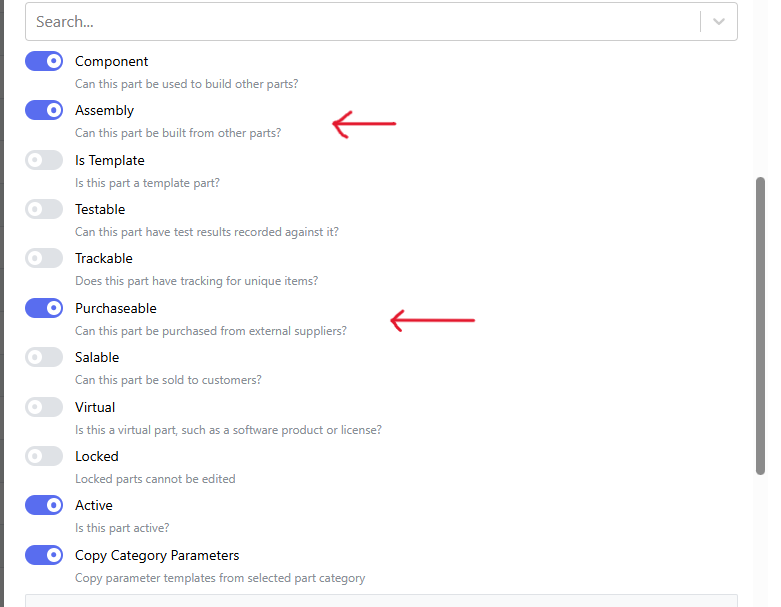
Part creation in Inventree is easy, but there are a few options to know about. "Assembly" and "Purchasable" are the two biggest ones, you will need to choose the correct option depending on if we build or buy the part you are adding,
IPNs and revisions are all handled by the system.
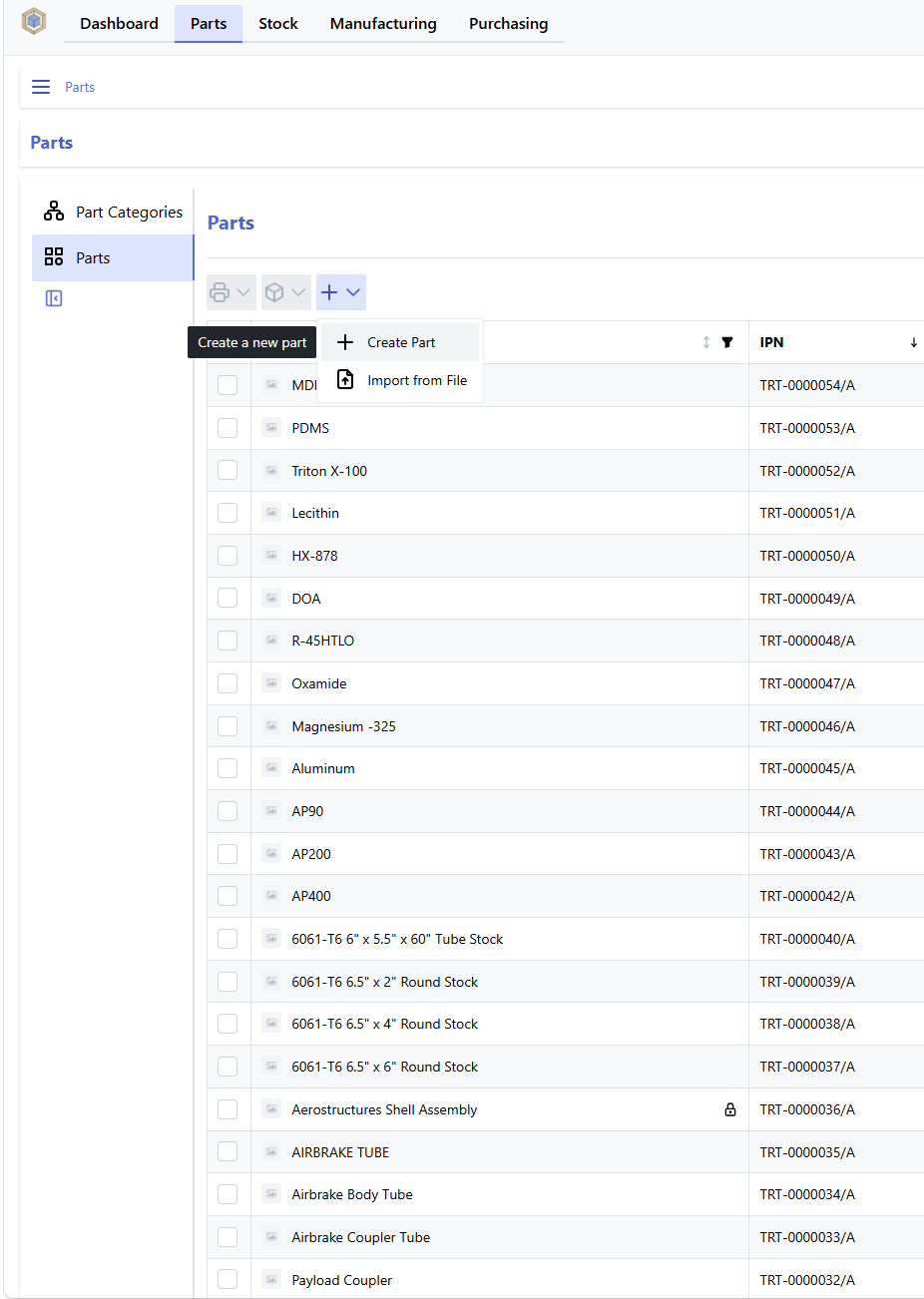
Go to the part page and click the plus, then click create part.
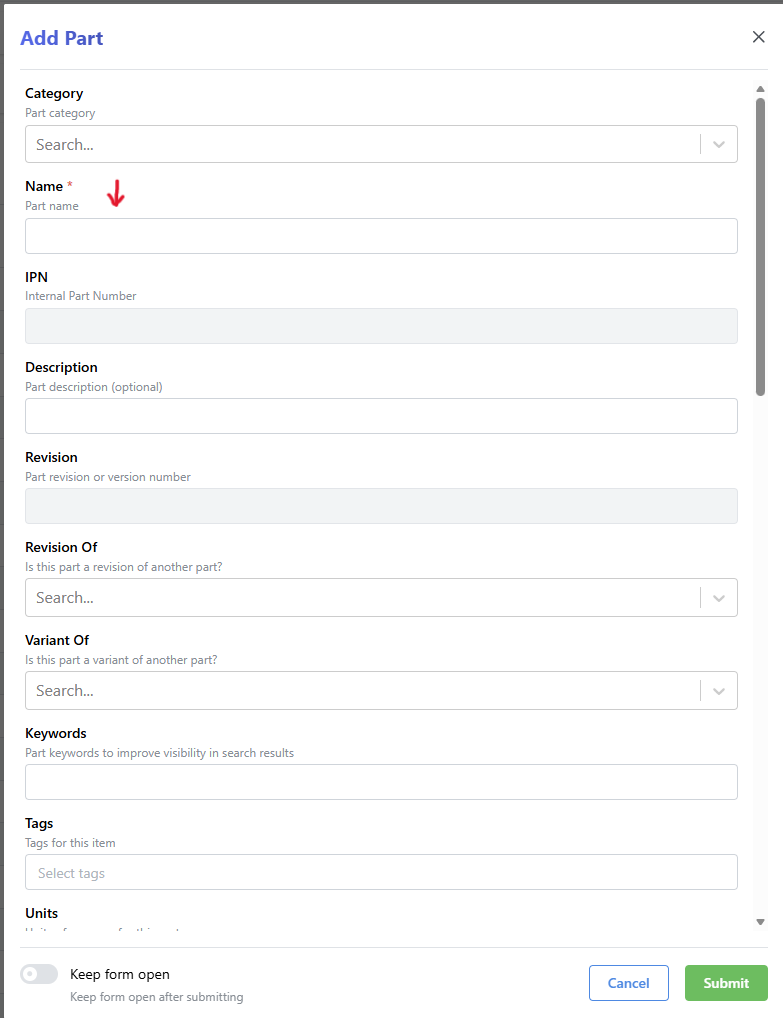
Give your part a name and a category:
If the part is SRAD, check Assembly. If the part is COTS, check Purchasable:
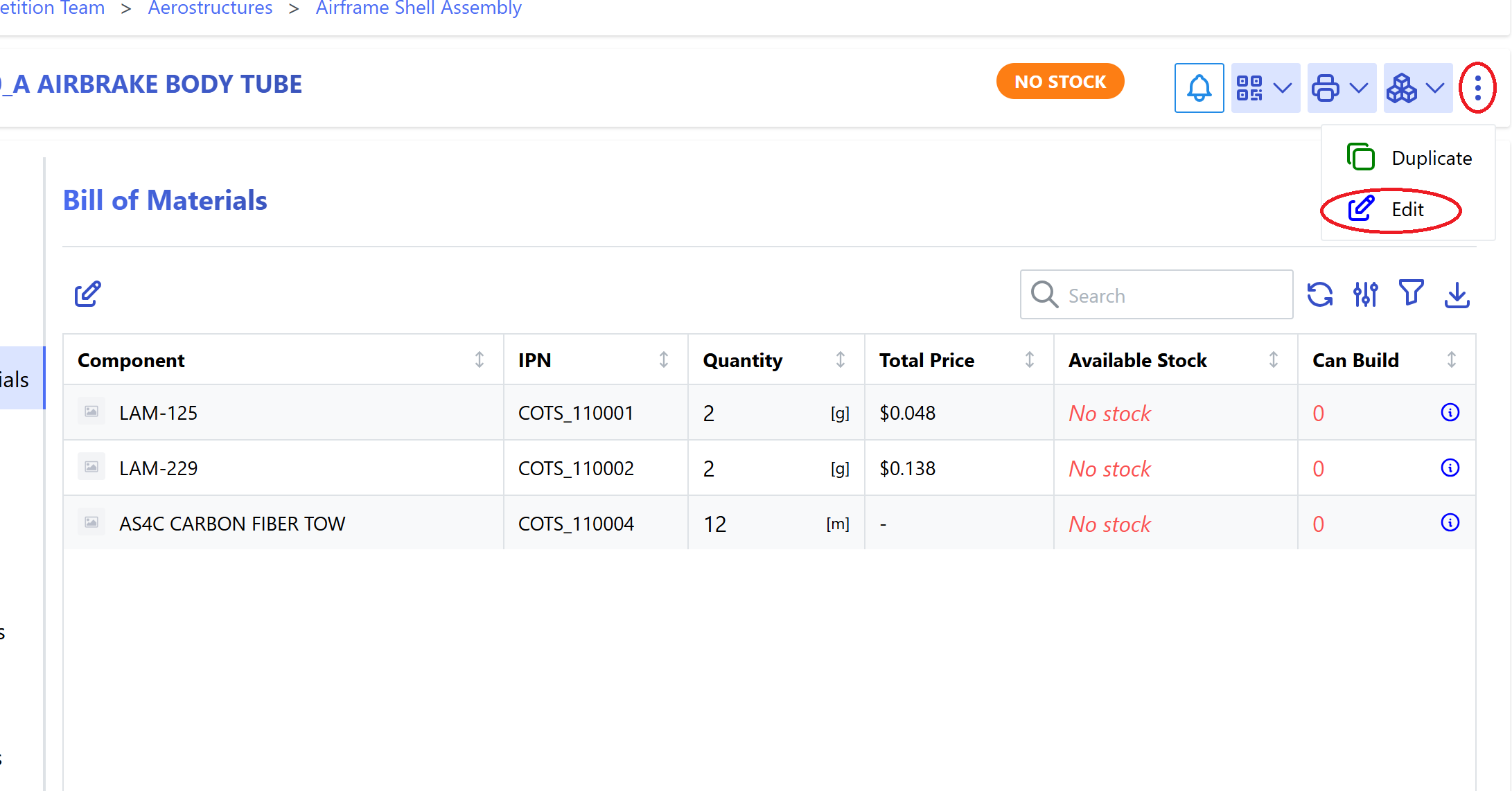
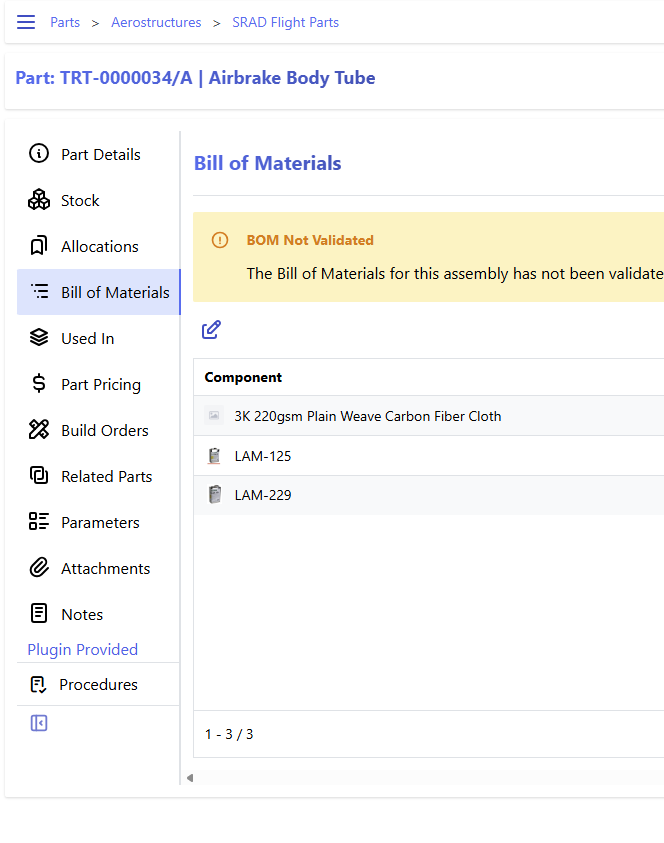
If the part is SRAD, then it will also need a bill of materials (BOM). This step can be done any time after the part is created, but must be done before the part is produced.
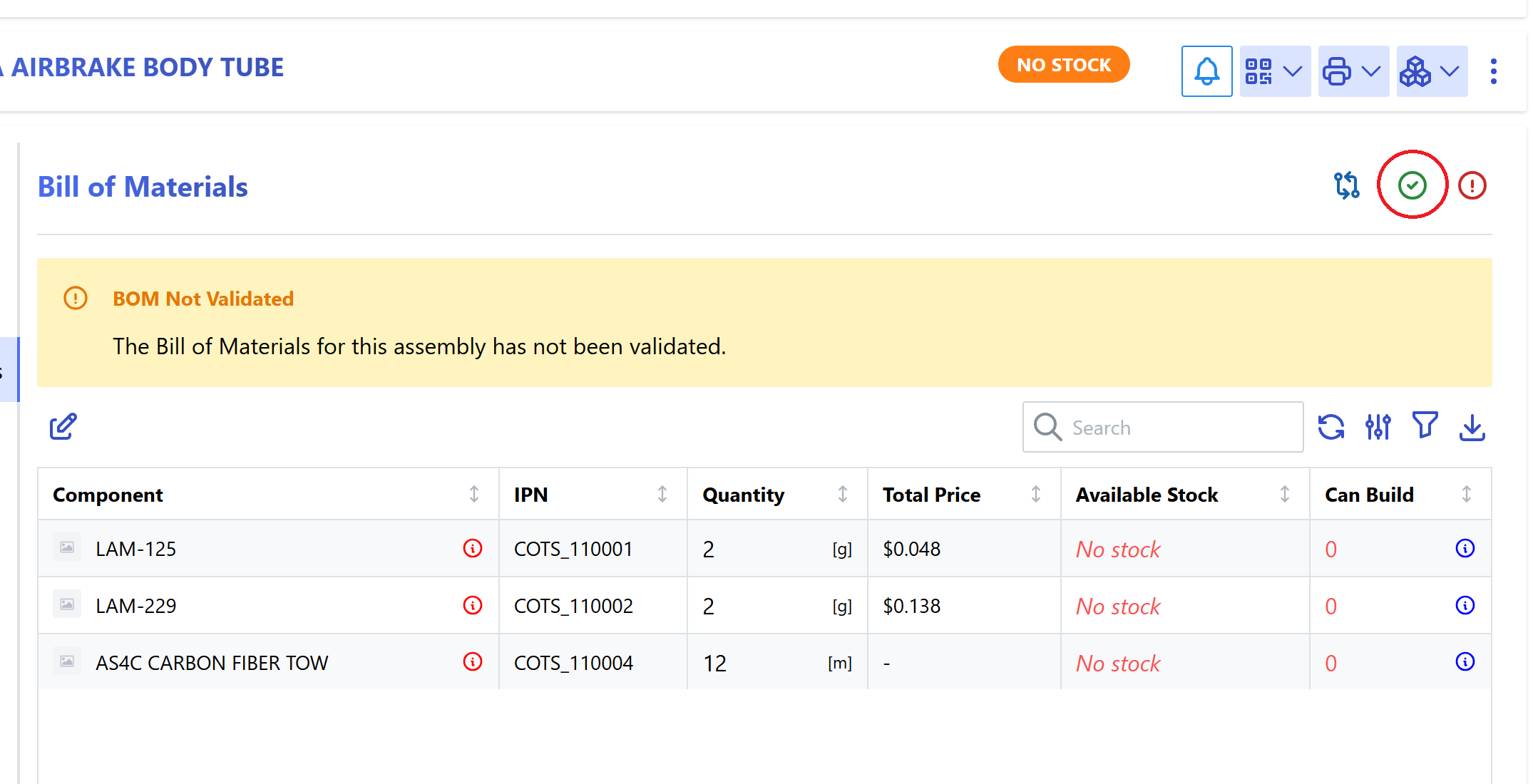
Once the BOM is correct, validate the BOM:
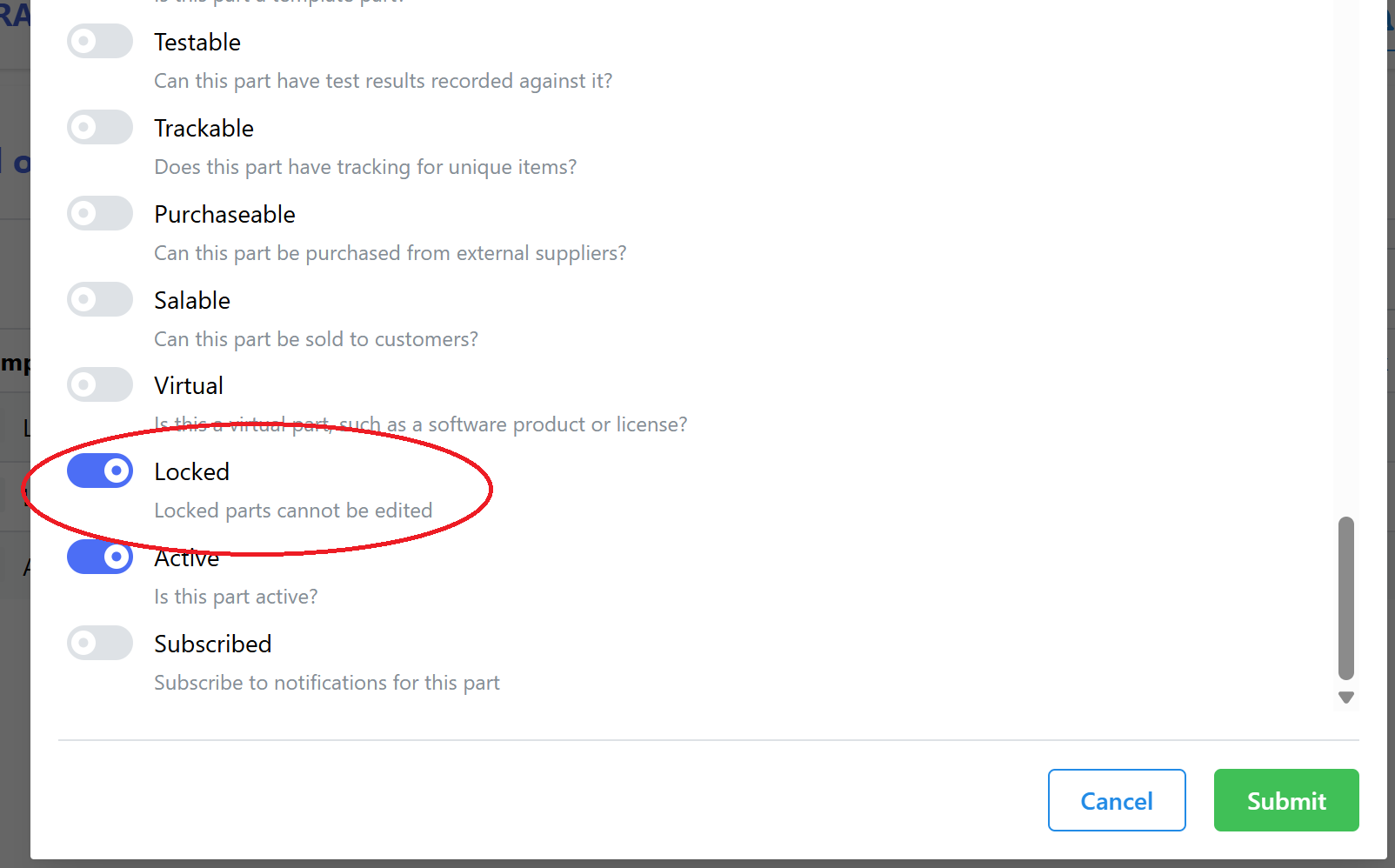
Then lock the part to prevent accidental changes: